Text Reverser Tool
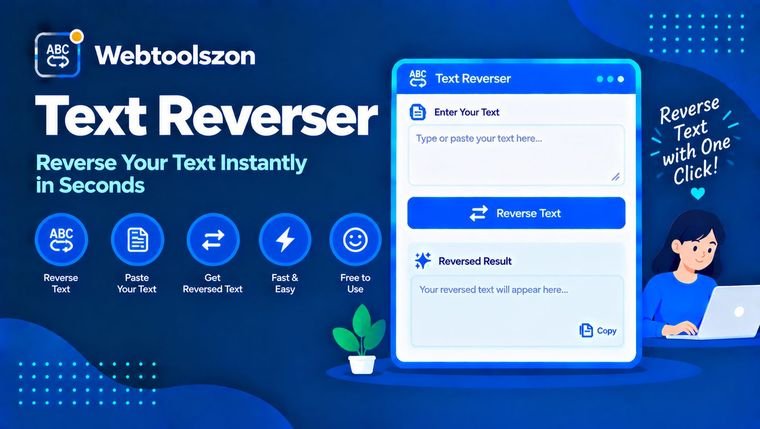
Type or paste text below to reverse it instantly — flip the whole string backward, reverse the order of the words, or reverse each word on its own.
Your text
Reverse mode
Reversed result
How to use the text reverser
- Paste or type your text into the box on the left — a word, a sentence, or a full paragraph.
- Pick a reverse mode: flip the whole string, reverse the word order, or reverse each word individually.
- Copy the result on the right the moment it looks right — there's no button to press to generate it.
Why reverse text?
Reversed text shows up in more places than people expect: word-game puzzles, mirror-writing art, palindrome checking, secret messages for kids' games, and the odd novelty social media post written backward just to make people pause and squint.
Programmers also use text reversal as a quick sanity check when testing string functions, and reversing word order (rather than characters) is a handy way to skim a sentence for filler words that don't carry much meaning.
- Palindrome checking: reverse the whole text and compare it to the original — if they match, you've got a palindrome like "racecar" or "A man a plan a canal Panama".
- Word games and puzzles: find semordnilaps (words that spell a different word in reverse, like "stressed" → "desserts") or build word-game clues.
- Developer testing: a quick manual check when testing a string-reversal function or debugging text-processing code.
- Social posts and novelty messages: flip a caption or note backward for a scroll-stopping post or a scavenger-hunt clue.
- Editing check: reverse word order to skim a sentence out of its usual flow and spot filler words or awkward phrasing.
FAQ
Is this text reverser really free, with no sign-up?+
Yes. The tool runs entirely with JavaScript in your browser — there's no account, no API key, and no limit on how often you can use it.
Does my text get uploaded anywhere?+
No. Everything you type or paste is processed locally on your device. Nothing is sent to a server, stored, or logged.
What's the difference between the three reverse modes?+
Whole text flips every character in the string backward. Word order keeps each word spelled correctly but reverses the order they appear in. Each word spells every individual word backward while leaving their order unchanged.
Can I reverse multiple lines at once?+
Yes. Paste multi-line text and the word-order and each-word modes process every line separately, keeping your line breaks intact.
Can I use this to check if something is a palindrome?+
Yes. Reverse the text with "Whole text" mode and compare the result to your original — if they match exactly (ignoring spaces and punctuation), it's a palindrome, like "racecar" or "madam".
Does the whole-text mode reverse line breaks too?+
Yes. "Whole text" mode flips every character in the entire input, including line breaks, so a multi-line block comes out with its lines in reverse order as well. Use "Word order" or "Each word" mode if you need to keep your original line structure.
Why would I want to reverse text?+
Reversed text is commonly used for word games, puzzles, palindrome checks, developer string testing, and social media novelty posts.
Tools for Text Manipulation
How This Tool Works
Each mode processes your input with JavaScript directly in your browser — reversing character order, word order, or the letters within each word, depending on your selection. Nothing you type is ever sent to a server.
Last updated: August 28, 2026.
More tools in the box
Nine more free, no-API-key tools live on the homepage.
Duplicate Line Remover
Strip out repeated lines from any list or block of text.
Whitespace Remover
Collapse extra spaces and clean up messy line spacing.
Line Break Remover
Join broken lines back into a single clean paragraph.
Text Sorter
Sort any list of lines or words alphabetically, A-Z or Z-A.
Random Word Generator
Generate a batch of random English words for games or prompts.