CSV to JSON Converter
Paste CSV data below — including a header row — to convert it instantly into a formatted JSON array of objects.
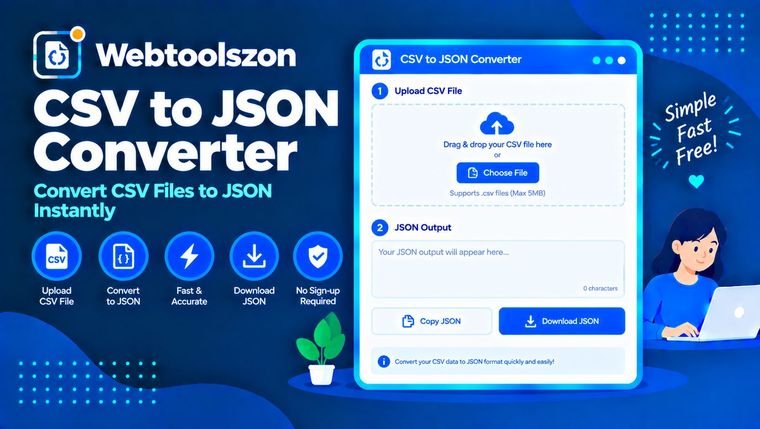
CSV input
JSON output
How to convert CSV to JSON
- Paste CSV data into the box on the left, with column names on the first line.
- The tool uses the first row as object keys and converts every following row into a JSON object.
- Copy the formatted JSON array on the right.
When you need CSV as JSON
Spreadsheets and databases commonly export data as CSV, but most APIs, front-end apps, and JavaScript-based tools expect JSON. Converting a small export by hand is tedious and error-prone once quoted fields or commas inside values are involved — this tool follows standard CSV quoting rules so fields containing commas, like "Chicago, IL", convert correctly instead of splitting into extra columns.
As a browser-based csv parser, it handles the quoting and header-detection work for you, so you get a clean, ready-to-use JSON array without writing any parsing code yourself.
FAQ
Is this CSV to JSON converter really free, with no sign-up?+
Yes. The tool runs entirely with JavaScript in your browser — there's no account, no API key, and no limit on how often you can use it.
Does my data get uploaded anywhere?+
No. Everything you paste is processed locally on your device. Nothing is sent to a server, stored, or logged.
Does the first row need to be a header row?+
Yes, the first line of your CSV is used as the object keys (field names) for every row that follows.
Does it handle quoted fields containing commas?+
Yes, fields wrapped in double quotes can safely contain commas, and a doubled double-quote inside a quoted field is treated as an escaped quote character, following standard CSV conventions.
What delimiter does it expect?+
The converter expects comma-separated values, which is the most common CSV format used by spreadsheet exports.
More Utilities to Try
How This Converter Works
Your CSV is parsed and converted live to JSON with JavaScript, using the first row as object keys for every row that follows — nothing you paste is uploaded to a server or stored anywhere.
Last updated: August 28, 2026.
More tools in the box
Nine more free, no-API-key tools live on the homepage.
Markdown to HTML Converter
Convert Markdown to HTML with a live rendered preview.
Color Palette Generator
Generate complementary, analogous and shade palettes from any color.
Text Reverser
Flip text backward, reverse word order, or reverse each word.
Duplicate Line Remover
Strip out repeated lines from any list or block of text.
Whitespace Remover
Collapse extra spaces and clean up messy line spacing.