Text Diff Checker
Paste two versions of a text below to instantly see which lines were added, removed, or left unchanged between them.
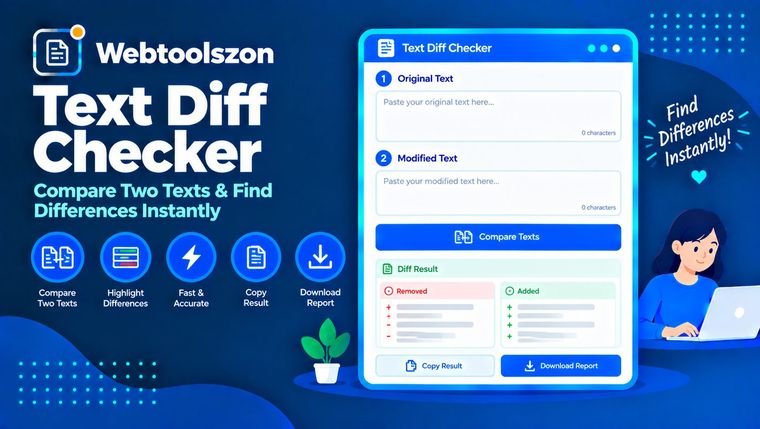
Original text (A)
Changed text (B)
Differences
How to compare two texts
- Paste the original text into box A and the changed text into box B.
- The comparison updates instantly, marking each line as added, removed, or unchanged.
- Check the summary counts for a quick overview of how much changed.
When a diff checker is useful
Comparing two versions of a document, contract, or article by eye is slow and easy to get wrong once more than a few lines have changed. A diff checker is the same idea used by version-control systems like Git — it lines up matching content and highlights exactly what was inserted or deleted, making it easy to review edits, track changes between drafts, or confirm that only the intended lines were modified.
As a general-purpose text comparison tool, it works just as well for spotting the differences between two contract drafts, two essay revisions, or any pair of text files where you need to find what changed without reading both copies line by line.
FAQ
Is this text diff checker really free, with no sign-up?+
Yes. The tool runs entirely with JavaScript in your browser — there's no account, no API key, and no limit on how often you can use it.
Does my text get uploaded anywhere?+
No. Both texts are compared locally on your device. Nothing is sent to a server, stored, or logged.
How does the comparison work?+
The tool compares the two texts line by line using a longest-common-subsequence algorithm, the same general approach used by most version-control diff tools, and marks each line as added, removed, or unchanged.
Does it compare individual words, or whole lines?+
This checker compares at the line level. If a line has even a small change, the whole line is marked as changed rather than highlighting the specific word that differs.
Is the comparison case-sensitive?+
Yes, by default two lines that differ only in capitalization are treated as different lines.
Tools for Text Analysis
How This Checker Works
Your two texts are compared live with JavaScript using a longest-common-subsequence algorithm, the same general approach used by most version-control diff tools — nothing you paste is uploaded to a server or stored anywhere.
Last updated: August 28, 2026.
More tools in the box
Nine more free, no-API-key tools live on the homepage.
Hash Generator
Generate SHA-1, SHA-256, SHA-384 and SHA-512 hashes from text.
Word Frequency Counter
See how many times each word appears in a text, ranked by frequency.
Text Reverser
Flip text backward, reverse word order, or reverse each word.
Duplicate Line Remover
Strip out repeated lines from any list or block of text.
Whitespace Remover
Collapse extra spaces and clean up messy line spacing.