Image Compressor
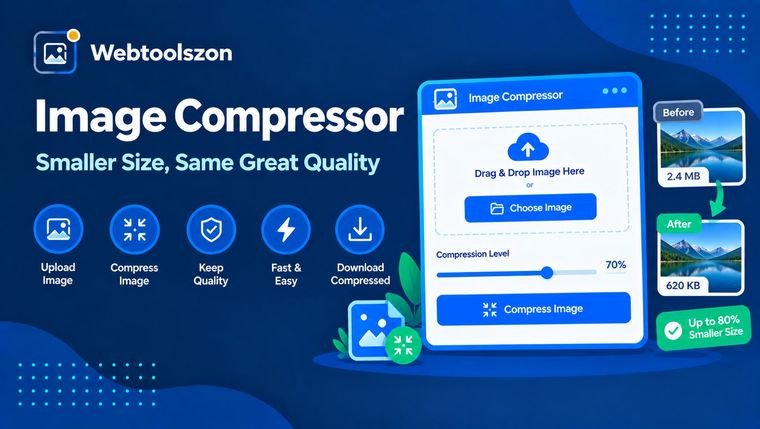
Drop in a JPG, PNG or WEBP image, drag the quality slider, and shrink the file size right in your browser, then download the result — no upload, no waiting.
Your image
Drag & drop an image here
or browse your files — JPG, PNG, WEBP or GIF
Compression settings
How to compress an image
- Drag an image into the box above, or click to browse and select one from your device.
- Drag the quality slider or pick a preset, and choose an output format if you want to change it.
- Check the compressed size and reduction percentage, then download the result.
Why compress an image
Uncompressed photos bloat page load times, blow past email attachment limits, and take up more storage than most platforms actually need. Compressing an image before you upload it keeps pages fast and files small, without opening a desktop editor.
Because everything happens with the Canvas API in your browser, compression is instant and your original file never leaves your device — there's nothing to upload and nothing to wait on.
Choosing quality and format
| Setting | Best for | Why it's worth checking |
|---|---|---|
| 90% quality, JPG/WEBP | Photos you'll print or zoom into | Barely visible loss, moderate size cut |
| 70% quality, JPG/WEBP | Website images, email attachments | Good balance of size and clarity |
| 45% quality, JPG/WEBP | Thumbnails, large batches | Smallest file, more visible softness |
| PNG | Screenshots, logos, transparency | Lossless, but larger for photos |
| WEBP | Modern websites | Usually smaller than JPG at the same quality |
FAQ
Is this image compressor really free, with no sign-up?+
Yes. The image compressor runs entirely with JavaScript in your browser, so there is no account, no API key, and no limit on how many images you can compress.
Does my image get uploaded anywhere?+
No. Your image is processed locally on your device using the Canvas API. Nothing is sent to a server, stored, or logged.
What image formats are supported?+
You can compress JPG, PNG and WEBP images, and export the result as JPG, PNG or WEBP, whichever gives the smaller file for your image.
How much can I shrink an image without losing quality?+
Most photos hold up well down to around 70-80% quality with barely visible changes. Below that the file gets smaller but you'll start to notice softness or blocky artifacts, especially in areas with fine detail.
Should I use JPG, PNG or WEBP?+
JPG and WEBP suit photos and compress much smaller than PNG. PNG is better for screenshots, logos and graphics with flat colors or transparency, since compressing those as JPG can introduce visible artifacts.
Can I compress an image to an exact size, like 100KB or 200KB?+
Not to an exact number, since the result depends on your image's content and dimensions. Drag the quality slider down and watch the compressed size update live until you're close to your target.
Can I compress multiple images at once?+
This tool compresses one image at a time so you can preview and adjust quality for each. Repeat the process for additional images.
Tools for Images and Files
How This Compressor Works
Your image is redrawn to an in-memory canvas and re-encoded at the quality level you choose, using the Canvas API — all in your browser. Nothing is uploaded to a server at any point.
Last updated: August 28, 2026.
More tools in the box
More free, no-API-key tools live on the homepage.
Word Counter
Live word, character, sentence and paragraph counts.
Image Resizer
Resize JPG, PNG and WEBP images by pixels or percent.
Image to PDF
Combine images into a single downloadable PDF.
PDF Compressor
Shrink PDF file size with a compression level.
Age Calculator
Exact age plus a countdown to your next birthday.