Image to PDF Converter
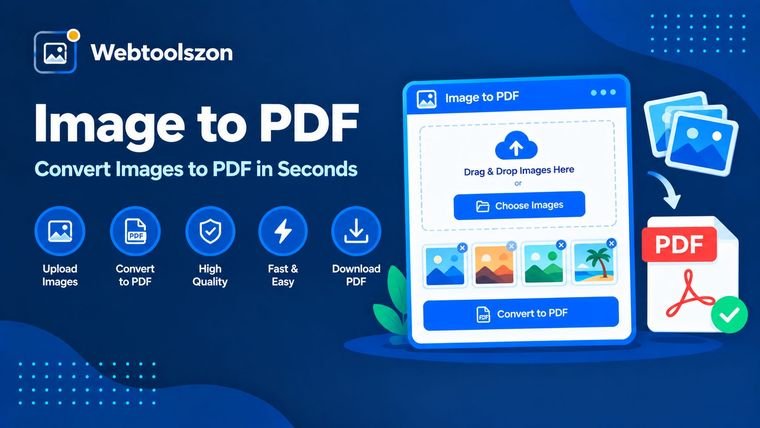
Convert an image to PDF, combine several photos into one PDF document, or generate a print-ready file from any image — all done right in your browser, with nothing to install and nothing uploaded.
Your images
Drag & drop images here
or browse your files — add as many as you need
PDF settings
How to convert images to PDF
Whether you need to convert an image file to PDF online, generate a PDF from a single photo, or change several images into one PDF document, the process is the same three steps:
- Drag one or more images into the box above, or click to browse and select them from your device. JPG, PNG and WEBP files are all supported.
- Drag rows to reorder pages, remove any you don't need, and choose a page size and margin — this is how you convert an image to PDF format that matches how it will be printed or shared.
- Click convert to build the PDF in your browser and download it straight away. No account, upload, or image PDF to PDF converter software required.
Why convert images to PDF
A PDF keeps a set of photos or scans in one fixed, shareable file instead of a loose folder of images — useful for scanned documents, receipts, portfolios, or anything you need to print or email as a single attachment.
Because the conversion happens with JavaScript in your browser, your images are never uploaded to a server. The PDF is assembled locally and handed straight to your downloads folder — a faster, more private alternative to any image file converter to PDF online that requires an upload first.
Common reasons people convert an image to PDF
- Document scans: generate a single PDF from photos of receipts, forms, or ID documents instead of sending several separate image files.
- Portfolios and print jobs: a photo image to PDF conversion keeps layout and page order fixed for printing or professional submission.
- Sharing and email: most inboxes and forms accept a single PDF document more reliably than multiple attached images.
- Archiving: convert image files to PDF format so screenshots, whiteboard photos, or scanned pages stay readable and organized long-term.
Choosing a page size
| Option | Best for | Why it's worth checking |
|---|---|---|
| Fit to image | Photos, screenshots | Each page matches its image exactly, with no white borders |
| A4 | Documents, scans (most countries) | Standard 210 × 297 mm sheet used outside North America |
| US Letter | Documents, scans (US, Canada) | Standard 8.5 × 11 in sheet for US and Canadian printers |
FAQ
Is this image to PDF converter really free, with no sign-up?+
Yes. It runs entirely with JavaScript in your browser, so there is no account, no API key, and no limit on how many PDFs you can create.
Do my images get uploaded anywhere?+
No. Your images are processed locally on your device and the PDF is assembled in your browser. Nothing is sent to a server, stored, or logged.
Can I combine multiple images into one PDF?+
Yes. Add as many images as you like, reorder them with the arrows, and they'll be combined into a single multi-page PDF in that order.
Can I control the page size and orientation?+
Yes. Choose Fit to image, A4 or US Letter, and pick portrait or landscape orientation, plus an optional page margin.
What image formats can I convert?+
JPG, PNG and WEBP images are all supported as input.
How do I convert an image to PDF format without installing software?+
Open this page, drag your image file into the box, and click convert. There's nothing to install — the image to PDF conversion runs in your browser using JavaScript, so it works the same way on Windows, Mac, Chromebook, or any device with a modern browser.
Can I turn a photo into a PDF document on my phone?+
Yes. This tool works on mobile browsers too. Tap to browse your photo library or camera roll, select an image, and it converts to a PDF the same way it does on desktop — no app download required.
Tools for Images and PDFs
How This Converter Works
Images are drawn to an in-memory canvas and assembled into a PDF entirely in your browser using JavaScript. Page size, orientation and margin settings determine how each image is placed on its page, and the quality slider controls the JPEG compression used when embedding each image, trading file size against sharpness.
Last updated: August 28, 2026.
More tools in the box
Eleven more free, no-API-key tools live on the homepage.
Word Counter
Live word, character, sentence and paragraph counts.
Image Resizer
Resize JPG, PNG and WEBP images by pixels or percent.
Case Converter
UPPER, lower, Title, Sentence, camelCase, snake_case.
JSON Formatter
Beautify, minify and validate JSON with error hints.
Password Generator
Strong random passwords with custom rules.