PDF Merger
Add two or more PDF files, put them in the order you want, and combine them into a single PDF — right in your browser, then download the result — no upload, no waiting.
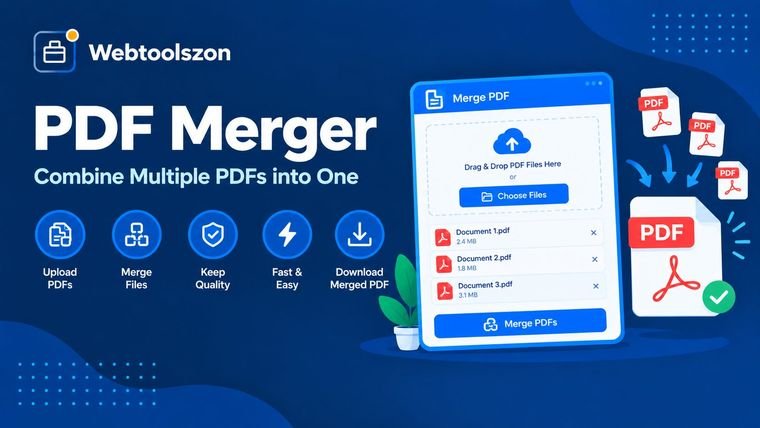
Your PDFs
Drag & drop PDF files here
or browse your files — add as many as you need
No PDFs added yet — they'll appear here in merge order.
Merge settings
Add at least two PDF files to merge.
How to merge PDF files
- Drag PDF files into the box above, or click to browse and select them from your device.
- Use the up and down arrows on each file to put them in the order you want them combined.
- Give the output a file name, then merge and download the combined PDF.
Why merging PDFs matters
Reports, contracts, and scanned paperwork often arrive as separate files that really belong together — a cover letter, an invoice, a set of scanned pages. Combining them into one PDF makes them easier to send, file, and read in order, without juggling multiple attachments.
Because everything happens locally in your browser, merging is instant and your files never leave your device — there's nothing to upload and nothing to wait on.
Common reasons to merge PDFs
| Use case | What gets combined | Why it's worth doing |
|---|---|---|
| Job application | Resume + cover letter + portfolio | One attachment instead of three |
| Expense report | Receipts scanned separately | Easier for finance to review in order |
| Contract package | Agreement + signed addenda | Keeps every version together for the record |
| Scanned book chapters | Pages scanned in batches | Restores the original reading order |
| Client proposal | Cover page + case studies + pricing | A single polished document to send |
FAQ
Is this PDF merger really free, with no sign-up?+
Yes. The PDF merger runs entirely with JavaScript in your browser, so there is no account, no API key, and no limit on how many PDFs you can combine.
Do my PDFs get uploaded anywhere?+
No. Your files are processed locally on your device. Nothing is sent to a server, stored, or logged.
How many PDF files can I merge at once?+
There's no fixed limit — add as many PDF files as you need. Very large batches depend on your device's available memory.
Can I change the order of the pages before merging?+
Yes. Use the up and down arrows on each file to reorder the list — the merged PDF follows that same top-to-bottom order.
Will merging reduce the quality of my PDFs?+
No. Pages are copied directly into the combined file, so text, images and formatting stay exactly as they were in the originals.
More PDF & File Tools
How This Merger Works
Your PDFs are combined live using JavaScript running in your browser — nothing you upload is sent to a server, stored, or logged anywhere.
Last updated: August 28, 2026.
More tools in the box
Eleven more free, no-API-key tools live on the homepage.